


- Education must begin at home
The one thing that should be top prerogative in homes more than economic empowerment is education, there is no other type of empowerment without it; as knowledge is power!
As a mother homeschooling two children, empowering others with knowledge especially to succeed in educating their children from home whether it is deprogramming or home-school entirely I am here to help. To start I have compiled a list of apps for you to check out and determine which would be perfect for you.
Mothers who are becoming more and more interested in homeschooling question if they are able to do so mentally, emotionally and financially. Our survival instincts tell us we can do anything when faced with a life or death situation, so why isn’t this one of them?
Sidenote: Nothing could ever take the place of a pencil and a piece of paper (absolutely nothing). The greatest before us made a way using just simple resources and should never be forgotten or used less, however, technology has provided a way to make homeschooling on the go and traveling much easier, with much less fuss. The use of apps are strictly under the control of the teacher or parent and times of use should be monitored as such.
As a parent, your first priority is your child and what you would like for them to learn, with love and attention this plan can be carried out efficiently. The scary part about homeschooling is worrying if it is affordable.
As an entrepreneur, writer and blogger who is also homeschooling, I found that thinking out of the box and simple research allowed me to homeschool effectively.
Once I decided on teaching my children at home I found there are many groups in my area who are doing the same (hint: this is definitely useful). There are plenty of activities for field trips around the city that cater to home-schooled families who also provide great discounts.
When you have no idea where to start it becomes discouraging and later regretted when you decide to send your child to school with thoughts remaining much more than just a wish but frustration due to lack of knowledge. I am here to inform you.
If you are thinking of homeschooling there are some amazing apps to assist with this transition. If you have never tried home-school before you can start by stopping by your local school board, research the apps listed below and began using them over this winter break then decide which would be beneficial on your new journey.
Most apps are available for free or low-cost monthly fees that you can opt to pay monthly or annually. Be especially careful when choosing your selection as the annual option may be preselected, causing a more expensive experience and future discouragement.
Initially, I began with a basic concept using letters, colors, and numbers. I only had a desktop and a laptop, therefore we did not use apps at all. I researched other families homeschooling their children, who had been doing so for many years. I attended a few workshops and they discussed places they frequent for field trips and shared apps they would use to keep up with their daily organization and adhere to the school systems terms. From there I created my own plans as there was no curriculum required for my state.
Many of the apps provide lesson plans, attendance tracking, grade recording, capture field trips, assist with meal planning, calendars, for many reading levels, maps, solar system, and plenty of other subjects required by state variations. These apps are available in the App store or Google play. Check out these apps to get you started.
Here are 12 APPS for homeschool Parents
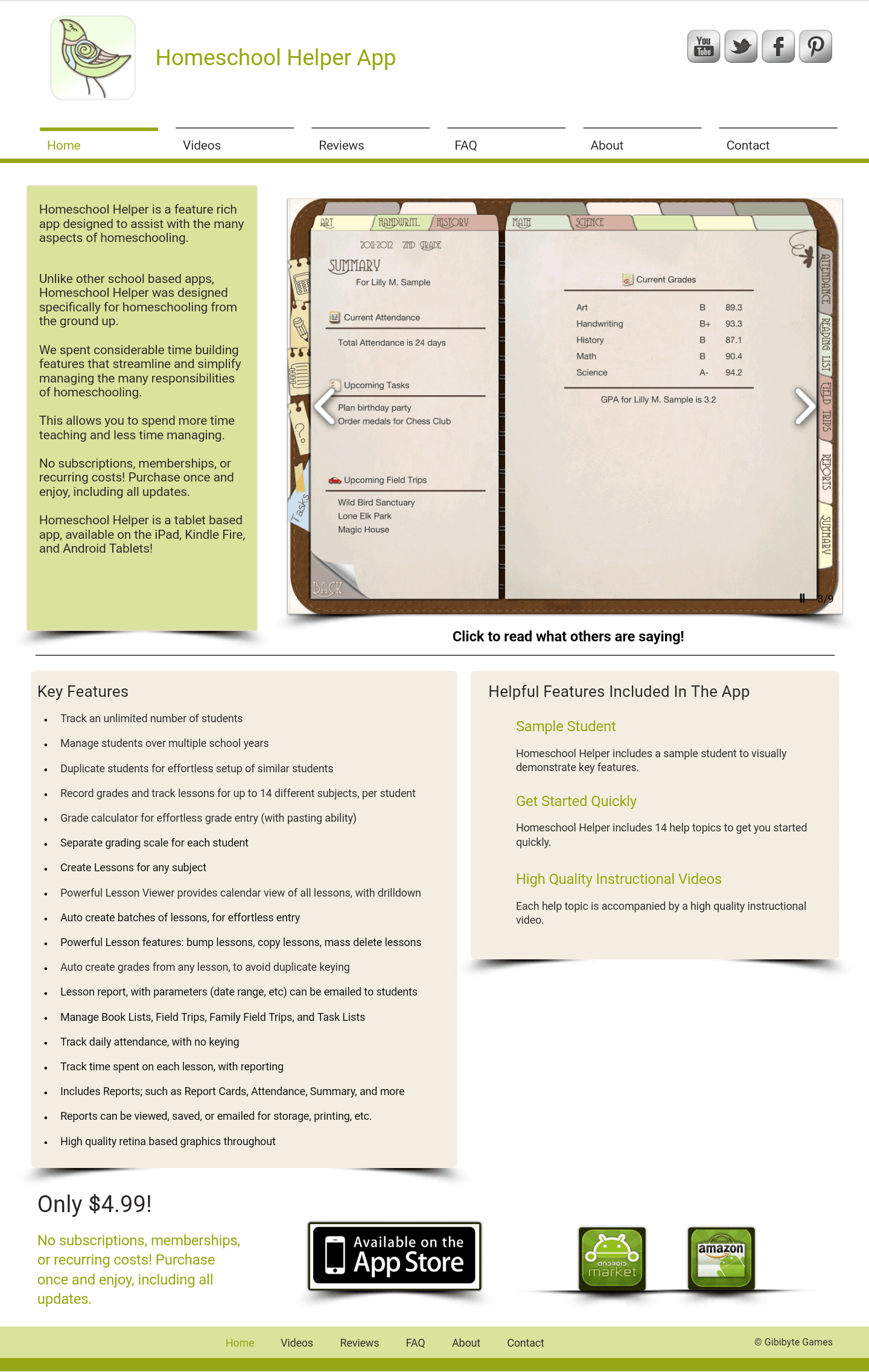
HOMESCHOOL HELPER
Highly recommended for homeschooling with a one-time purchase option of $4.99
K12 ATTENDANCE APP
The app is available for free in the iTunes and Google Play app stores.
IPLANLESSONS
A great tool for managing writing assignments. However, is only available for Apple products and ranges in price from free to $4.99.
COZI
A friendly family calendar app that sync with Google accounts.
K12 TIMED READING PRACTICE
The app assist kids K-4 practice their reading fluency and comprehension with tools to track multiple readers’ and reading level, priced around $3.99
EVERNOTE
A magnificent tool for organization captures what is on your mind and can be shared with other devices.
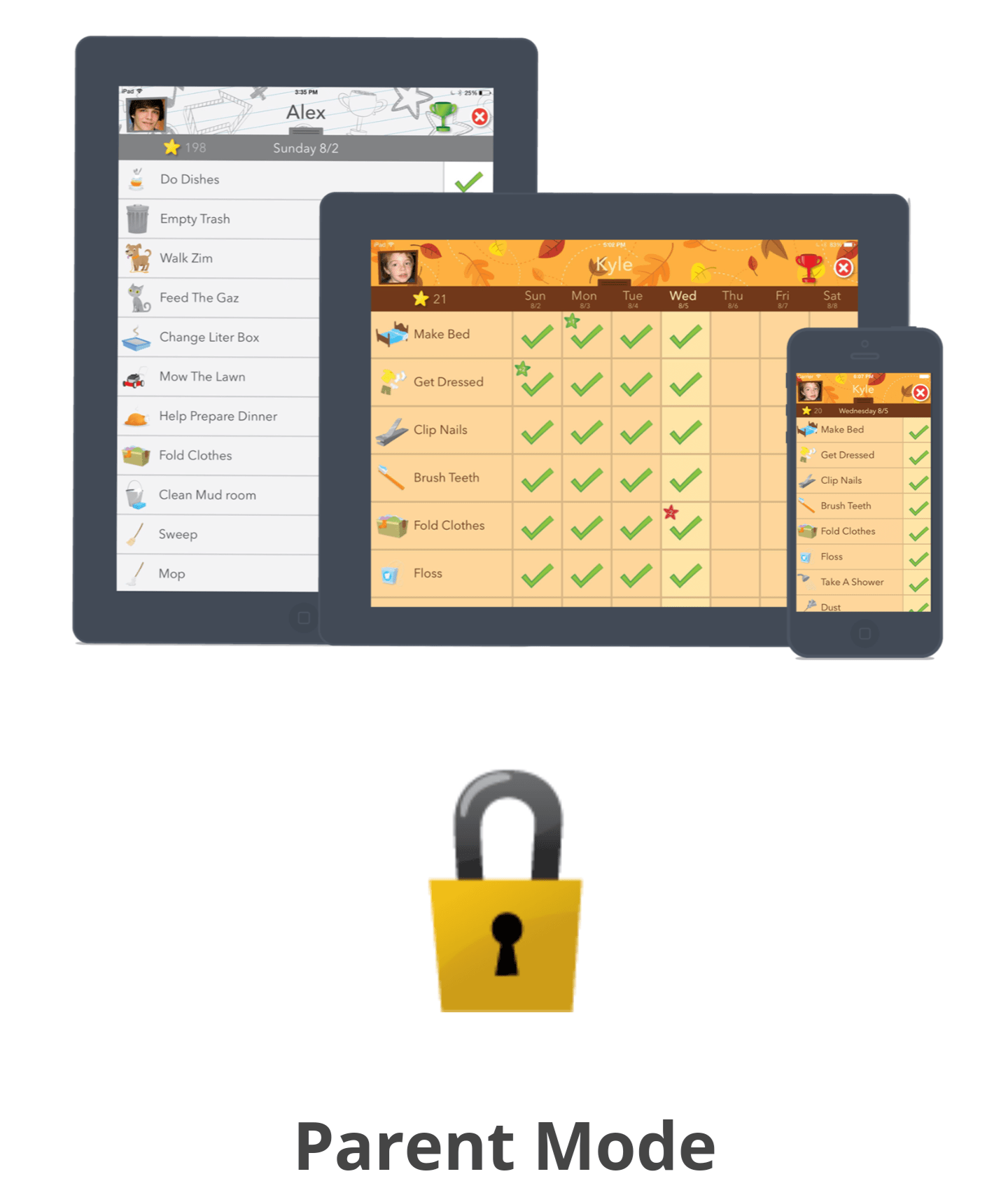
CHORE PAD
It’s available for iPhone ($2.99) and iPad ($4.99), however, for Android users, there is a different version called Reward My.
KINDLE, IBOOKS, OR NOOK
An awesome e-reader app for homeschooling just simply upload all your favorite books.
SCREEN TIME
This app could help motivate kids to put down the devices and monitoring their media time available for Apple devices for $1.99.
LIFETOPIX
Manages 12 different aspects of life, including events and appointments, tasks, lists, health, shopping, finances, and best of all, education. Compatible with apps like Evernote and Dropbox. LifeTopix costs $4.99 and is currently only available for iOS and Mac, but Windows and Android versions are in the works.
An award-winning curriculum for Preschooler and Kindergarteners. This app is free for teachers with a monthly subscription of $7.95 or annually for $79.95 for students. The membership allows up to three children for one price with over 70,000 activities. The app can be shared on multiple devices and is child safe.
StudyBlue – Online FlashcarCards and Study Guide
This free app is available in the App store and Google play. Students are able to access all subjects with over 250 million pieces of study material. There is peer to peer learning, progress tracking, options to create your own quizzes or flashcards.
“There are plenty of Apps to choose from and more to research. Before making the choice to homeschool, plan at least a year ahead and know things will not always go as planned, sometimes Spring Break comes a week or so earlier than expected and often times you may have to teach and find a tutor that will work with your schedule. For more information, please contact me.”
Here are 9 more Apps for children using iPad
An interactive spelling game designed to enhance motor skills and spelling aptitude.
This app is an interactive experience with animations for kids to practice math.
For ages, four and up contains a comic book-style superhero storyline with multiple ability levels spanning from simple addition to multiplication.
Did you know that girls have more taste buds than boys do? Or that slugs have 3,000 teeth and 4 noses? And who knew that gorillas burp when they’re happy?
Brought to you by National Geographic is great for both entertainment and education with all types of “weird” facts for children of all ages!
Another great spelling app with two modes: Practice and Test.
World Atlas HD – National Geographic Society ($1.99)
National Geographic provides a wonderful interactive experience, for only $1.99.
This app is for all ages who are interested in astronomy. This app is also available for the iPhone for $2 less.
Frog Dissection is great for the Biology and provides to learn about organs and organ systems without getting their hands dirty.
BrainPOP Featured Movie (Free)
There are over 750 topics are covered spanning subjects from Science, Math and English to Engineering/Technology, Arts & Music and Health.
7 Apps for iPhone or iPad
SkyView Free (Free)
Similar to the Google Sky Map app for Android, display information about objects in the sky such as stars, and planets.
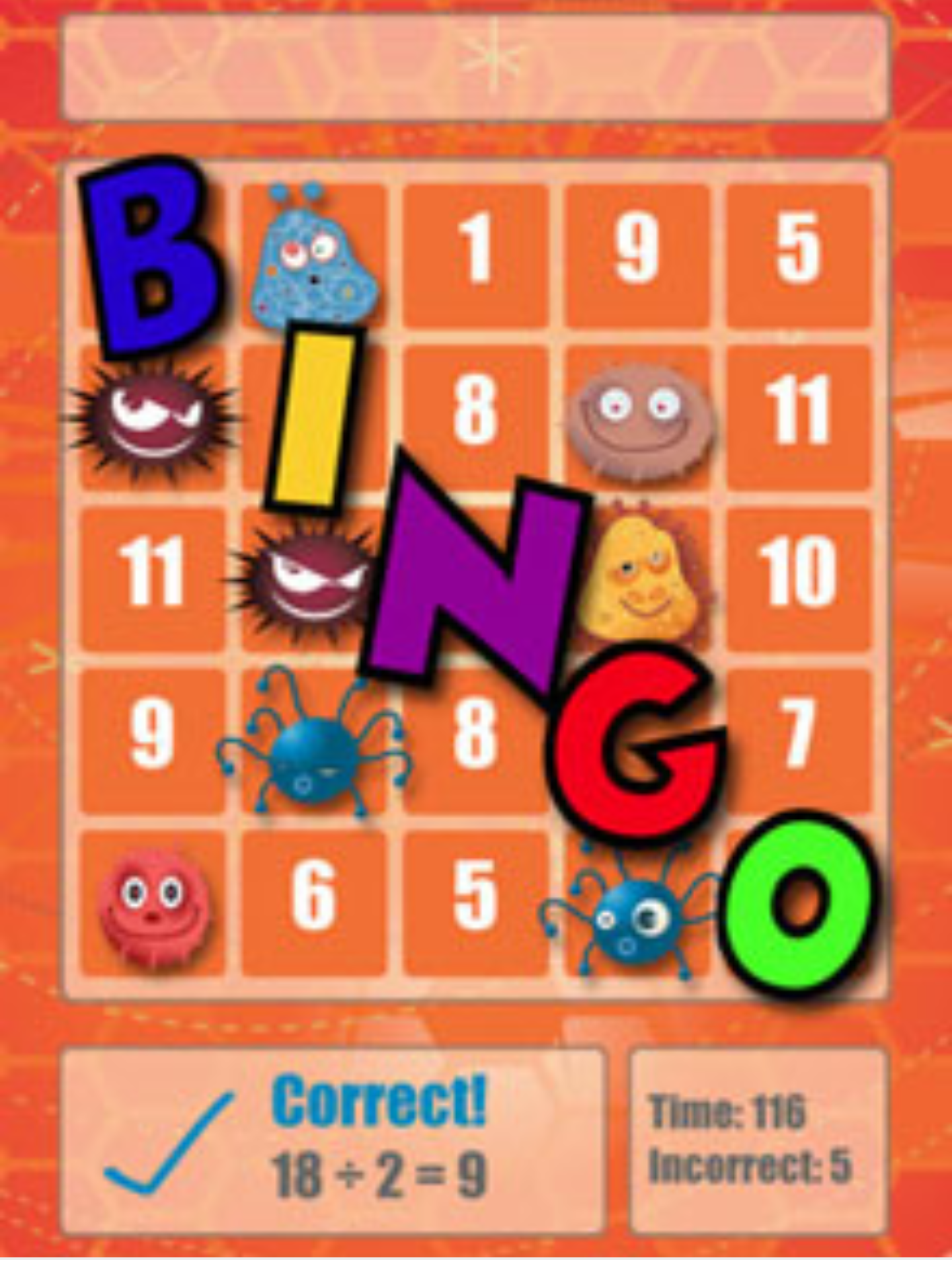
Math Bingo ($0.99)
Math Bingo offers addition, subtraction, multiplication and division questions.
Kid Mode by Zoodles (Free)
It’s free on both platforms offers educational videos for kids 8 and under. Topics range from colors and animals all the way up to U.S. Presidents and periodic elements.
Brain Tuner Lite (Free)
Brain Tuner is a fun math game for all ages.
ESPN Spelling Bee Lite (Free)
Is a real spelling bee which speaks a word out loud and can provide a word’s origin, definition, part of speech or have it spoken in a sentence.
Stack the Countries Lite (Free)
A fun app that teaches country capitals, landmarks, locations and more.
BrainPop Featured Movie (Free)
Makes great animated movies about a variety of topics, such as Science, Math, Social Studies, Health and more.
7 Educational Apps for Android
All links below will launch the Google Play Store.
Kid Mode: Play + Learn (Free)
This app protects your phone by locking the Home button and engages kids 8 and under with fun, educational kids’ games, and videos.
Sky Map (Free)
This app teaches your kids about astronomy by looking through your phone’s camera at objects in the sky.
Spelling Bee ($0.99)
Learn to spell more than 2,300 of the most common English words.
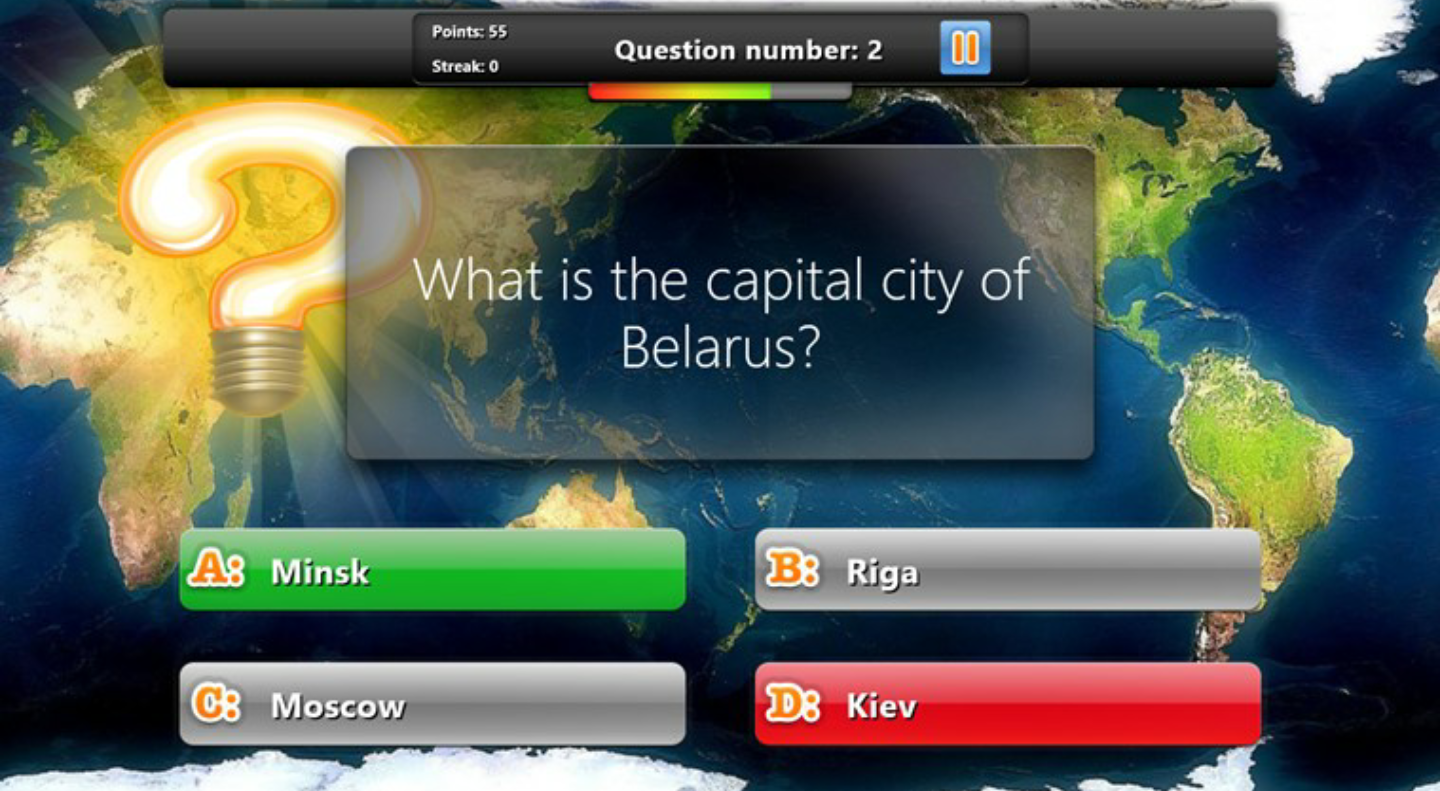
GeoQuiz (Free)
One of Android’s best quiz games includes categories like Cities of the World, Extremes, Forests, Deserts and Plains and more!
Easy Kid Timer ($1.00)
Great for children with autism: time kids can see is crucial to their understanding of time and patience.
5 Apps to Keep Students Organized
Simplemind
Great for writer’s block can use Simplemind to get those creative juices flowing! A great way to brainstorm and organize your ideas in a visual way. Available for Android and iOS.
Quizlet
A great way to study for quizzes and tests, can create your own flashcards or search the database with millions of flashcard sets in every possible subject. Available for Android, iOS, and desktop.
Evernote
Designed for students, this app turns your notes into study materials.
Dropbox
Dropbox app saves hard drive space by securely storing documents you can access them anywhere, anytime.
The free version gives you 2 GB of storage.
iStudiezPro (IOS) AND MyHomework (ANDROID)
A must for staying organized tracks your assignments due dates, grades, and GPA, and plan your schedule with an integrated calendar.
“Many of the apps provide lesson plans, attendance tracking, grade recording, capture field trips, assist with meal planning, calendars, for many reading levels, maps, solar system, and plenty of other subjects required by state variations. These apps are available in the App store or Google play. Check out these apps to get you started.”
There are plenty of Apps to choose from and more to research. Before making the choice to homeschool, plan at least a year ahead and know things will not always go as planned, sometimes Spring Break comes a week or so earlier than expected and often times you may have to teach and find a tutor that will work with your schedule. For more information, please contact me.


NAMASTE
LA TRECIA DOYLE
 Something Nubian
Leave a comment